Open source · MIT · One Cloudflare Worker
“we're running an event” “speakers on stage”
six months of forms, scores, chasing and room clashes
Nobody claps
for the middle.
Callboard is the software for that middle: a call for proposals, weighted review rounds, acceptances that compose the programme, a portal that collects bios and slides, an agenda that catches the room clash, and the public schedule at the end. It is an open-source alternative to Sessionboard that you host yourself.
Launch the live demo View source on GitHub Read the docs
The demo signs you in with one click as an organizer or a speaker. No account, no email, no setup.
The real product is rendering further down this pageLive, on this page
Don't take the screenshots' word for it.
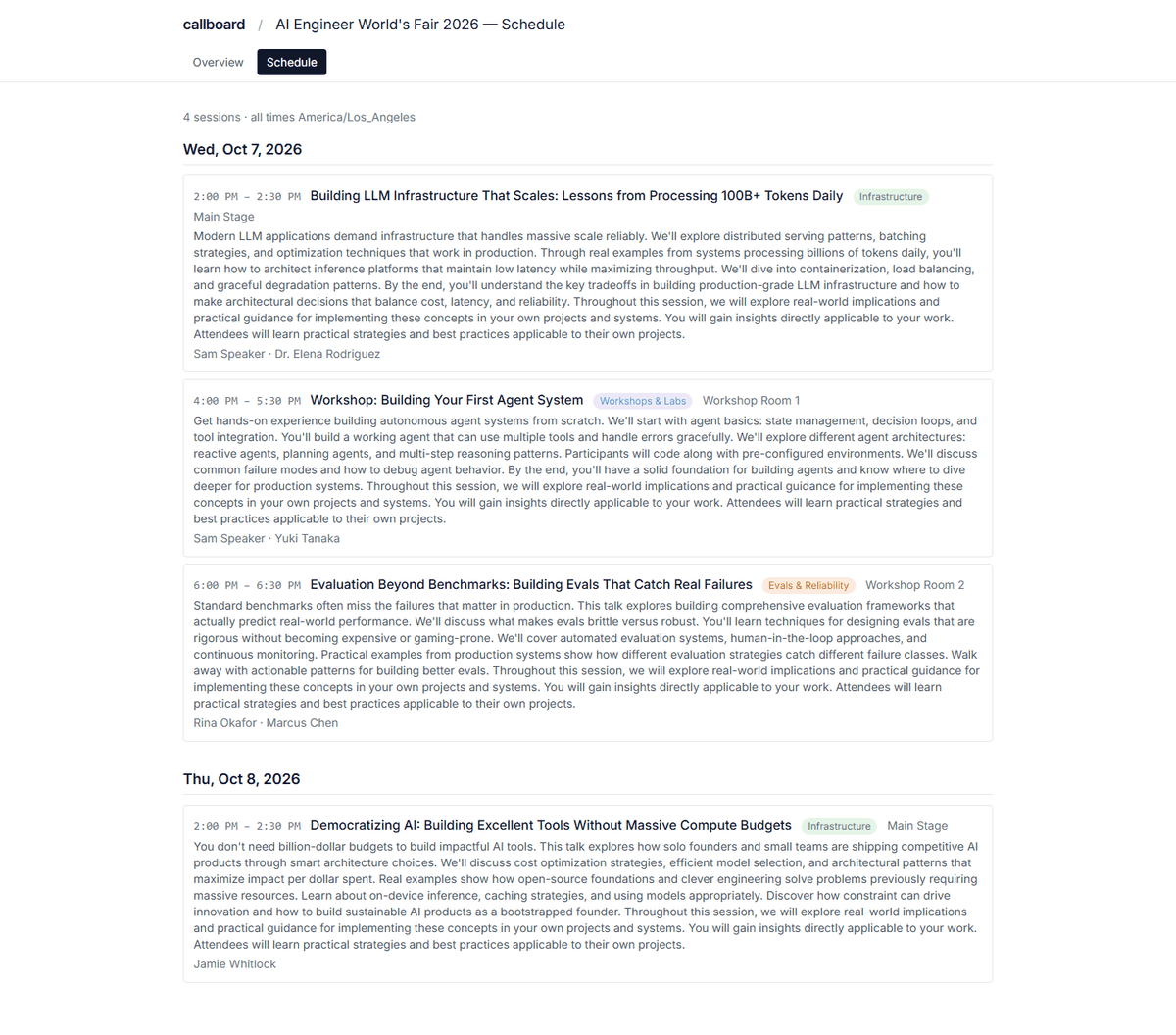
This is the agenda for Frontier AI Summit 2026, rendered right now by the same Callboard deployment the demo runs on. Not a screenshot and not a mock — an iframe. It is also a feature: an organizer copies one URL into their own event site, and the published schedule keeps up with the programme they are still editing.
Run of show
Six jobs, in the order a producer does them.
Every stop below is in the deployed product. Each one hands its work to the next, so nothing gets retyped into a spreadsheet in between.
-
01
Call for proposals
Build the form once: conditional questions, character limits shared across fields, participant rules, close dates. Answers route each proposal to the track that should read it.
-
02
Weighted review
Two scoring rounds against a weighted rubric. Reviewers open a workspace that shows only their assignments; you see the aggregate and who still owes you scores.
-
03
Decisions
Stage accepts and declines in a queue and read them back before you commit. Committing an accept composes the session into the programme — title, abstract, speakers and all.
-
04
Speaker onboarding
Accepted speakers sign in to one portal: fix the title, upload a headshot and materials, work a task list, read your resources. Title and abstract edits sync straight back to the programme.
-
05
Conflict-aware agenda
Place sessions by room and time on a day board. Overlaps collect in a dedicated conflict view, so you find the double-booked room before an attendee does.
-
06
Published schedule
Publish to a public page with ordered speaker and co-speaker names. The same records feed calendar invites, a CSV export and an API with per-event scoped keys.
The deployed product
This is the demo you are about to open.
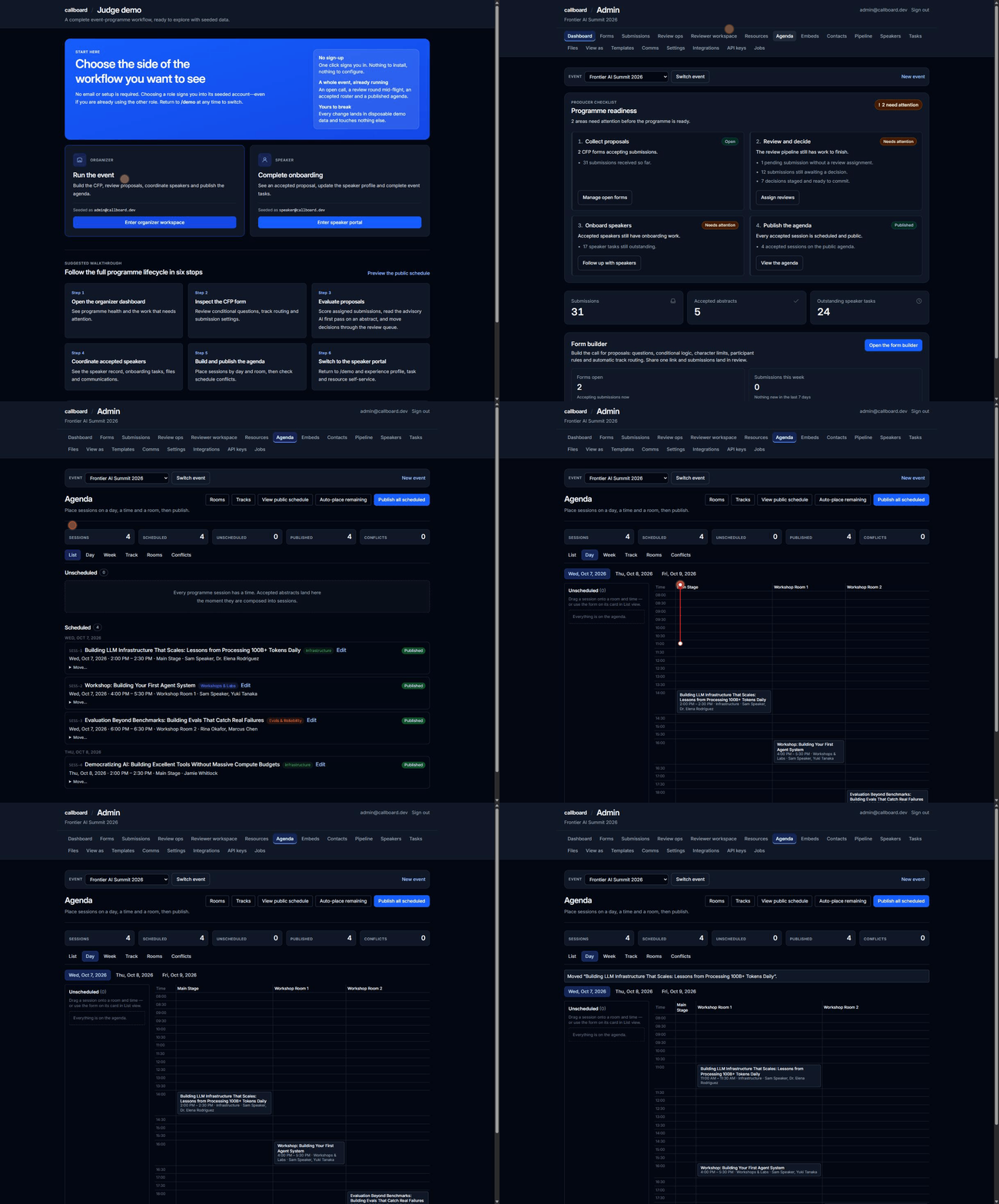
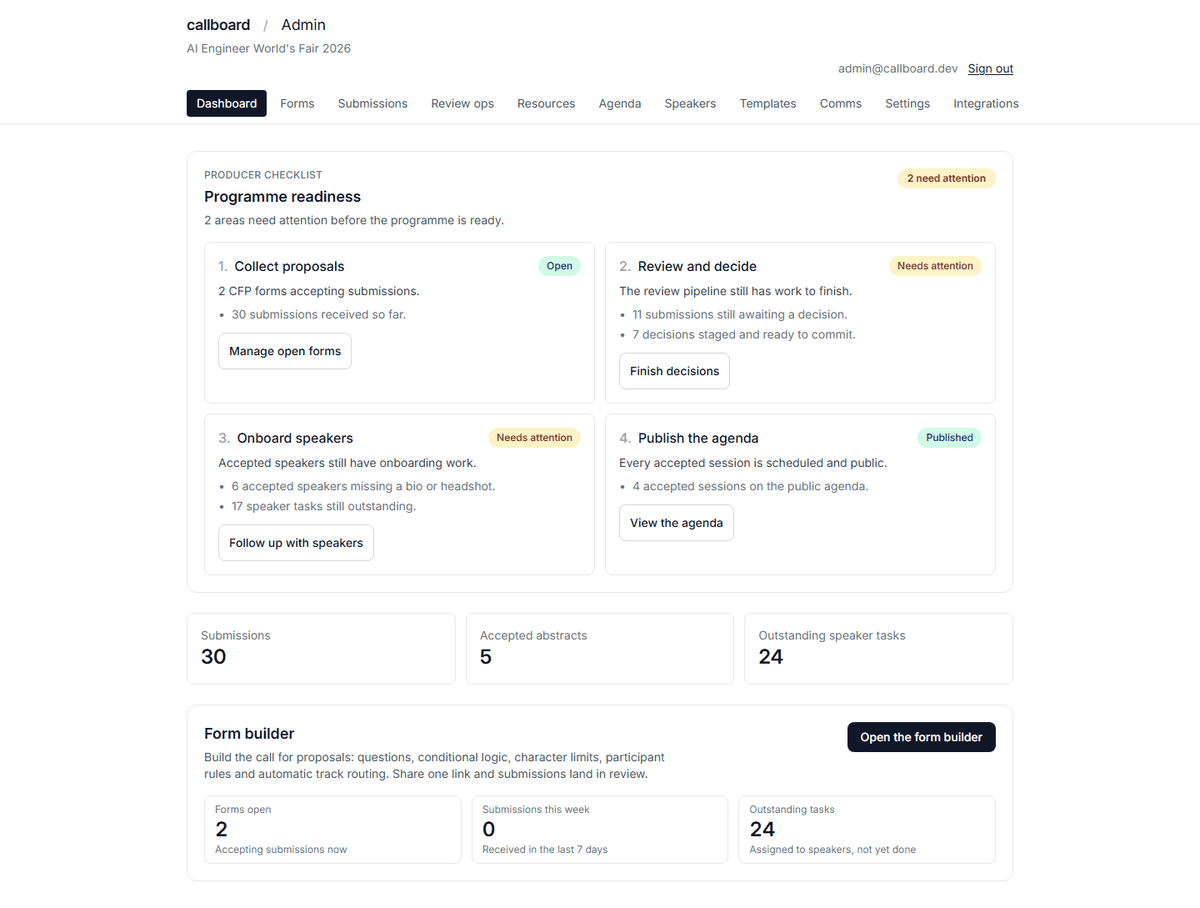
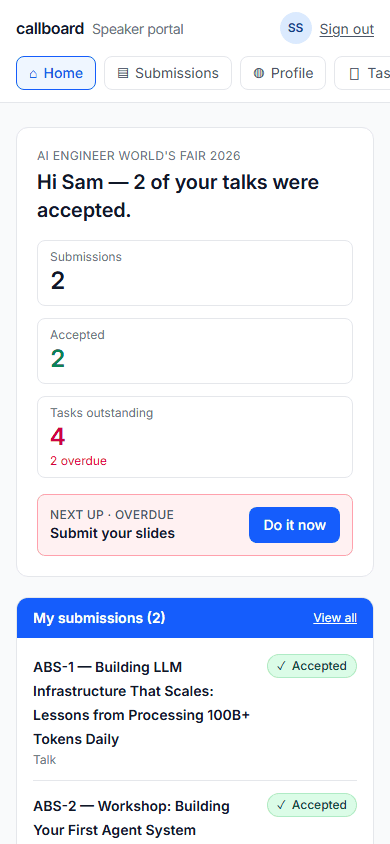
Built honest
What is true today, and what is not.
A hackathon landing page is a good place to lie. Here is the version you can check against the repository.
One person, one account
The same sign-in is a speaker portal in one event and an organizer workspace in another. Profiles are global, so a speaker who also produces an event does not keep two logins.
Multiple events, one switcher
An event switcher in the organizer header changes which event you are producing, and the selection follows you across every admin page. ?event=<slug> still works as a shareable override.
Open source, MIT, yours to host
One Cloudflare Worker, one D1 database, one R2 bucket. Clone it, set three secrets, run the deploy script. No other service is required to run the whole workflow.
The demo cannot email anyone
The judge deployment sends mail to the console instead of a mail provider. Press every send button in it. No speaker, real or seeded, receives anything.
Publishing waits for the speaker
A session cannot reach the public agenda until its speaker has been sent their acceptance — with a named hold list and an explicit override when you mean it.
Agents are first-class users
A live MCP server speaks for the whole programme over the same scoped API keys, and /llms.txt hands any agent the walkable judge path.
AI that cannot outvote humans
Abstract triage writes to its own advisory table and structurally cannot touch a committee score. Run it, dismiss it, overrule it.
Webhooks that sign their work
Every outbound event is HMAC-signed against a per-endpoint secret and logged. The demo hands delivery to Svix; self-hosting needs no provider at all. A row only says “Delivered” where a real 2xx proves it.
Not built yet
- Self-serve organizations. Events are created in-app, but organizations are provisioned by whoever operates the deployment — there is no public signup.
- Per-organization tenancy. Organizer rights are deployment-wide today. Scoping them to an organization is the next structural piece.
- Airtable as a source of truth. Callboard mirrors rows out to Airtable. Reading edits back needs field allowlists and conflict handling, so it is deferred rather than half-done.
For judges
One-click demo roles Seeded realistic data Reseeded for judging Expires Aug 31